


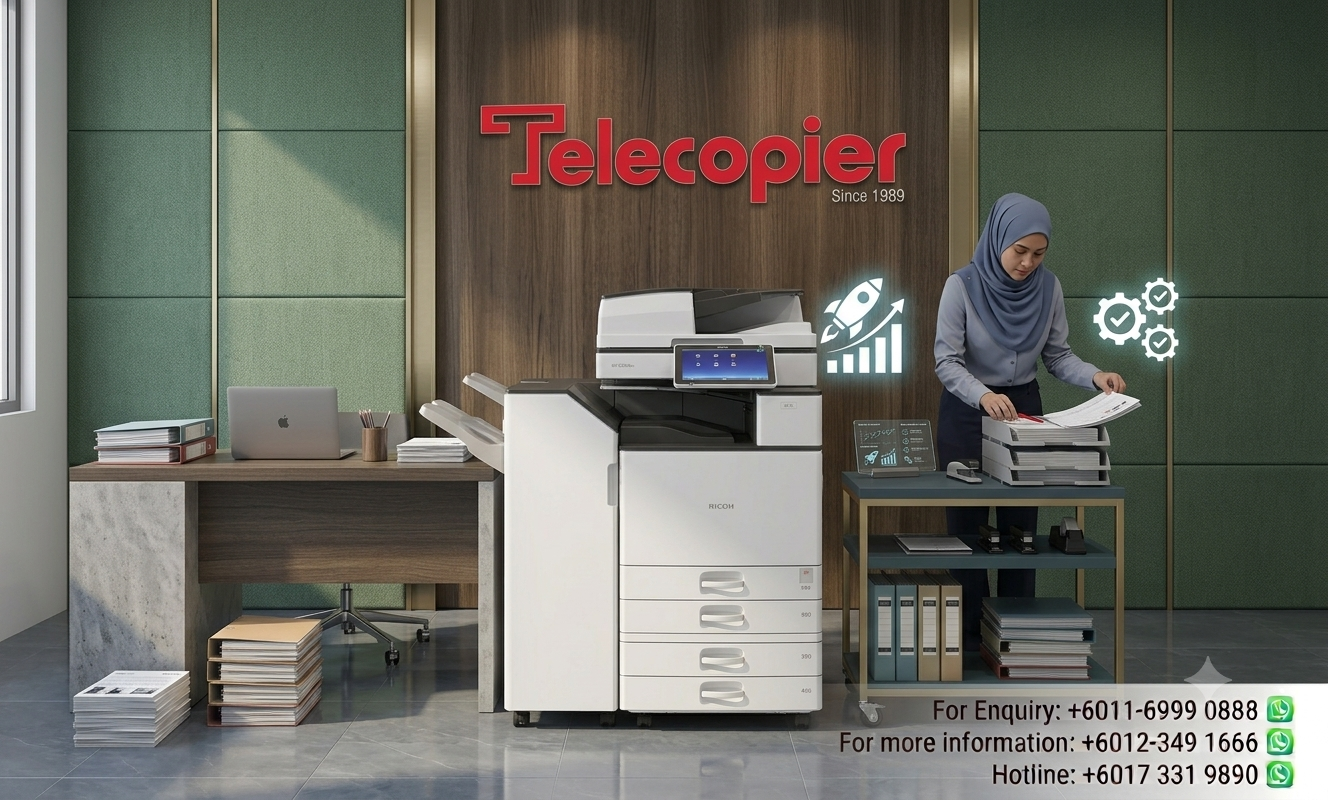


Green Printing: Reducing Your Carbon Footprint and Paper Waste with Modern Ricoh Copiers
Green printing ESG compliance initiatives are becoming increasingly important as organizations place greater emphasis on sustainability and responsible business practices. Companies are now expected to demonstrate measurable efforts in reducing environmental impact while supporting broader Environmental, Social and Governance (ESG) objectives.
Modern photocopiers and document management systems can contribute to sustainability goals through energy-efficient operation, reduced paper consumption, digital workflows and responsible consumable management. Businesses that adopt environmentally conscious printing practices can improve operational efficiency while supporting corporate sustainability commitments.
In this article, we explore how green printing ESG compliance strategies can help organizations reduce waste, lower carbon emissions and align office printing operations with long-term environmental objectives.
Reducing Energy Consumption and Paper Waste Through Smart Engineering
A major source of carbon emissions and electricity use form office copiers is the energy required to heat the fuser assembly. The fuser uses high heat and pressure to melt toner powder onto paper sheets during the print process. Traditional copiers require ongoing power to keep the fuser warm throughout the workday, which drives up daily electricity consumption. Modern Ricoh machines address this with advanced Quick Start-Up (QSU) fusing technology. This system warms up almost instantly from deep sleep mode, keeping energy draw very low during idle office hours while ensuring your team doesn't experience long delays when starting a print job.
Controlling paper waste is another area where modern print management makes an immediate difference. In many busy offices, documents are frequently printed and left forgotten in the exit trays, leading to significant paper and toner waste while creating data privacy concerns. Implementing a secure "Release-to-Print" system completely prevents this waste. The copier holds sent print jobs in its virtual memory and only prints them when the user physically walks up to the machine and scans their ID badge or enters their PIN, eliminating abandoned print jobs entirely and saving thousands of sheets of paper annually.

Sustainable Asset Lifecycles and Carbon-Neutral Business Footprints
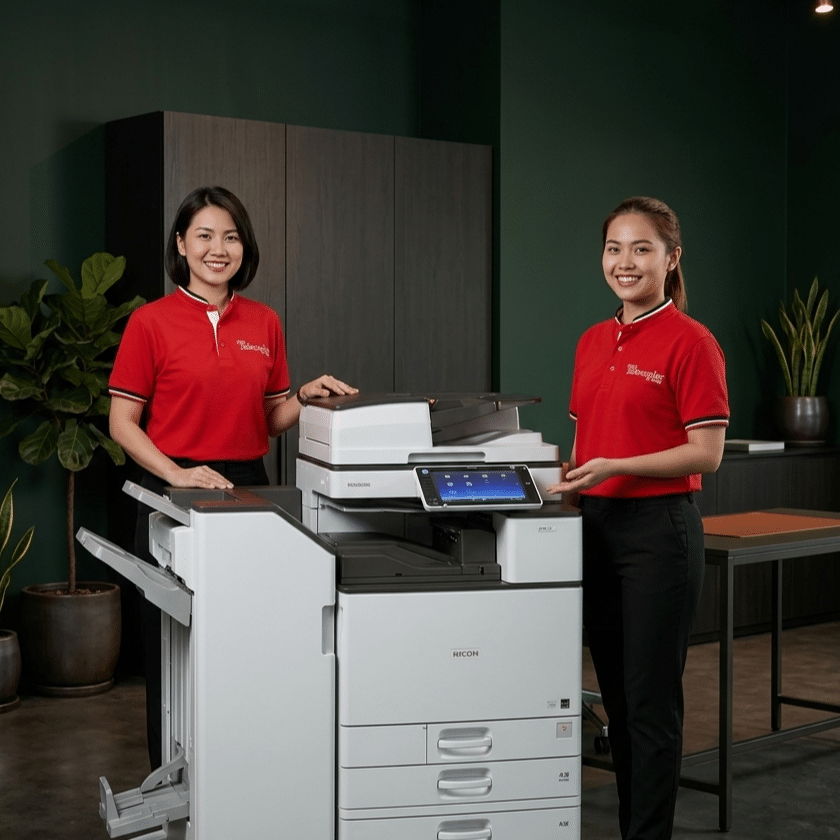
To truly understand green printing, an office must look beyond daily paper use and consider the entire lifecycle of the office hardware. Buying brand-new electronic equipment requires a significant amount of raw materials, metal mining, and global shipping, all of which generate substantial carbon emissions before the printer even arrives at your office. Opting for high-standard, factory-refurbished Ricoh copiers is a highly effective way to support a circular economy. It breathes new life into heavy-duty commercial machines, prevents functional engineering parts from entering landfills, and reduces the carbon emissions associated with manufacturing new equipment.
Additionally, implementing green printing practices provides a clear, measurable financial benefit alongside environmental advantages. When an office systematically cuts its paper purchase orders in half and reduces its monthly electricity consumption, those savings go straight back into the operating budget. Sustainability doesn't require compromising on performance; rather, it focuses on using smart technology to eliminate waste. Partnering with an office automation specialist allows your organization to build an efficient, eco-friendly workplace that meets modern ESG requirements while lowering daily operational costs.
Simple Settings to Boost Your Office Sustainability
Your business can easily build a greener workplace by activating these built-in eco-friendly features on your leased Ricoh copier:
- Default Duplex (Double-Sided) Printing
- Eco-Friendly Sleep Timers
- Blank-Page Suppression Scanning
- Toner-Saver Draft Modes
- Digital Scan-to-Email Routing
FAQs (Green Printing & ESG)
Business Solutions from Telecopier
To improve your office printing system, you can also explore:

