


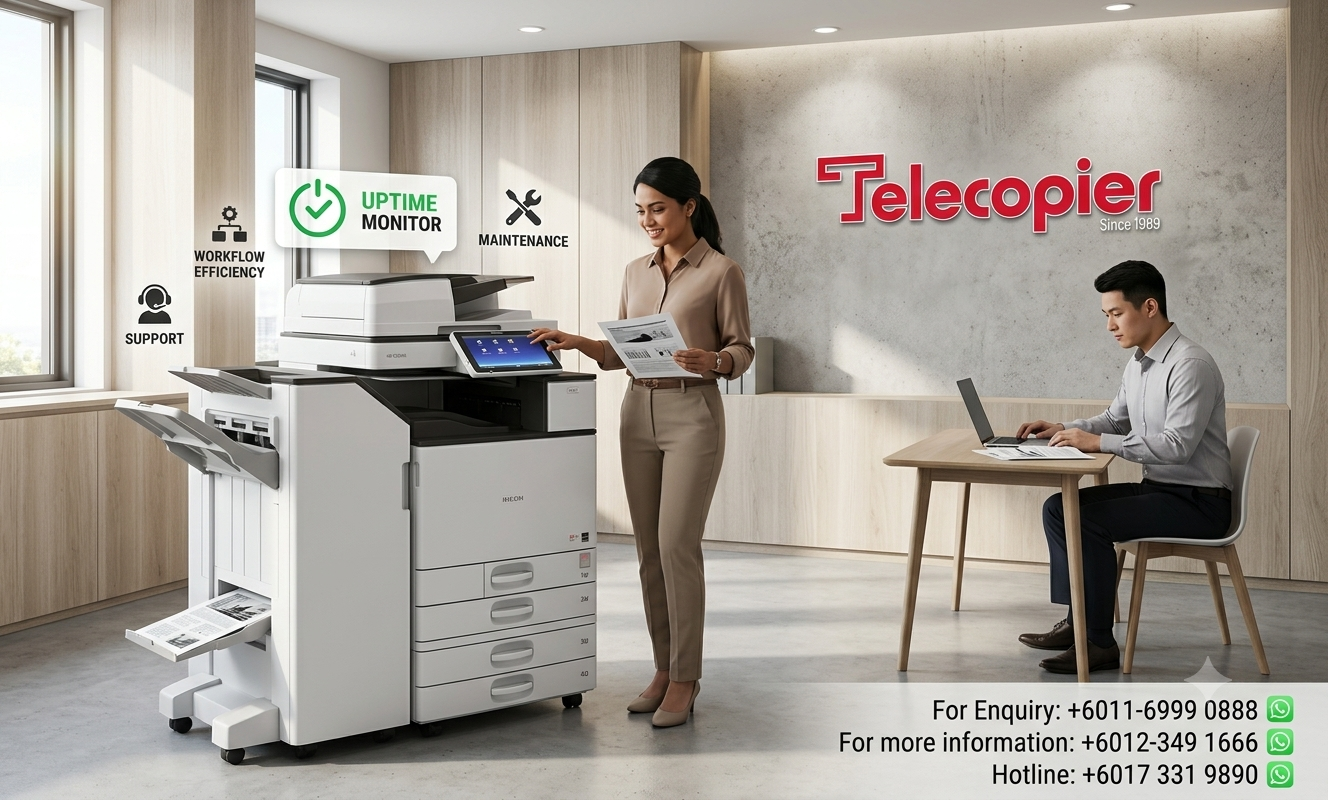


How to Reduce Office Printing Downtime | Actionable Strategies for Seamless Business Documentation & Workplace Productivity
Reduce office printing downtime strategies are essential for businesses that depend on reliable printing, copying and scanning services to support daily operations. Whether in a small office, SME or large corporate environment, unexpected printer issues can disrupt workflows, delay important documents and negatively impact overall productivity. Even minor printing interruptions can lead to missed deadlines, reduced efficiency and unnecessary frustration among employees.
By implementing preventive maintenance, monitoring equipment performance and investing in dependable photocopier solutions, businesses can significantly reduce the risk of unexpected breakdowns. Regular servicing helps identify potential issues before they become costly repairs, while modern multifunction devices provide greater reliability and operational efficiency. Establishing clear printing workflows and ensuring timely toner and consumable replacements can also help minimize disruptions.
In this article, we explore practical and effective ways to reduce office printing downtime, improve equipment reliability and maintain smooth business operations. By adopting the right strategies, organizations can enhance productivity, reduce operational costs and ensure their office printing system remain efficient, dependable and ready to support everyday business needs.
Identifying the Root Causes of Chronic Print Infrastructure Failures
Chrome office printer failures are rarely completely random; they are usually the cumulative result of minor operational oversights. One of the most common causes of frequent paper jams and internal mechanical stress is the use of substandard paper or storing paper stock incorrectly. When print paper absorbs high ambient humidity in a typical Malaysian office environment, the sheets tend to stick together. This triggers multi-sheet feeding errors, jams the transport paths, and adds wear to internal mechanics.
Another major contributor to extended print downtime is uncoordinated asset logistics, such as failing to monitor toner or ink levels. Offices frequently run out of high-yield black or color toners unexpectedly during heavy billing periods or year-end financial audits. Without a dedicated managed print service system actively tracking consumption, businesses are forced to place urgent retail orders, resulting in days of idle administrative time while waiting for replacement supplies to arrive.

Actionable Best Practices to Keep Your Workplace Office Copier Running Smoothly
Implement these straightforward, highly effective strategies within your organization to maintain absolute document continuity:
- Enforce Strict Media Quality Controls:
- Train Staff on Basic Document Hygiene:
- Deploy Network User Authentication:
- Partner with a Managed Print Service (MPS) Provider:
FAQs (Frequently Asked Questions)
Shifting to a corporate photocopier rental package with Telecopier significantly reduces downtime. We assume all responsibility for your equipment, providing regular preventive maintenance, automated toner replenishment, and a guaranteed rapid on-site technical response to keep your operations running smoothly.
Staff should note the exact error code shown on the touch panel and check for obvious, accessible obstructions like a standard paper jam. If the error code persists, clear the print queue and contact your dedicated support line immediately rather than attempting deep mechanical adjustments internally.
Business Solutions from Telecopier
To improve your office printing system, you can also explore:

