


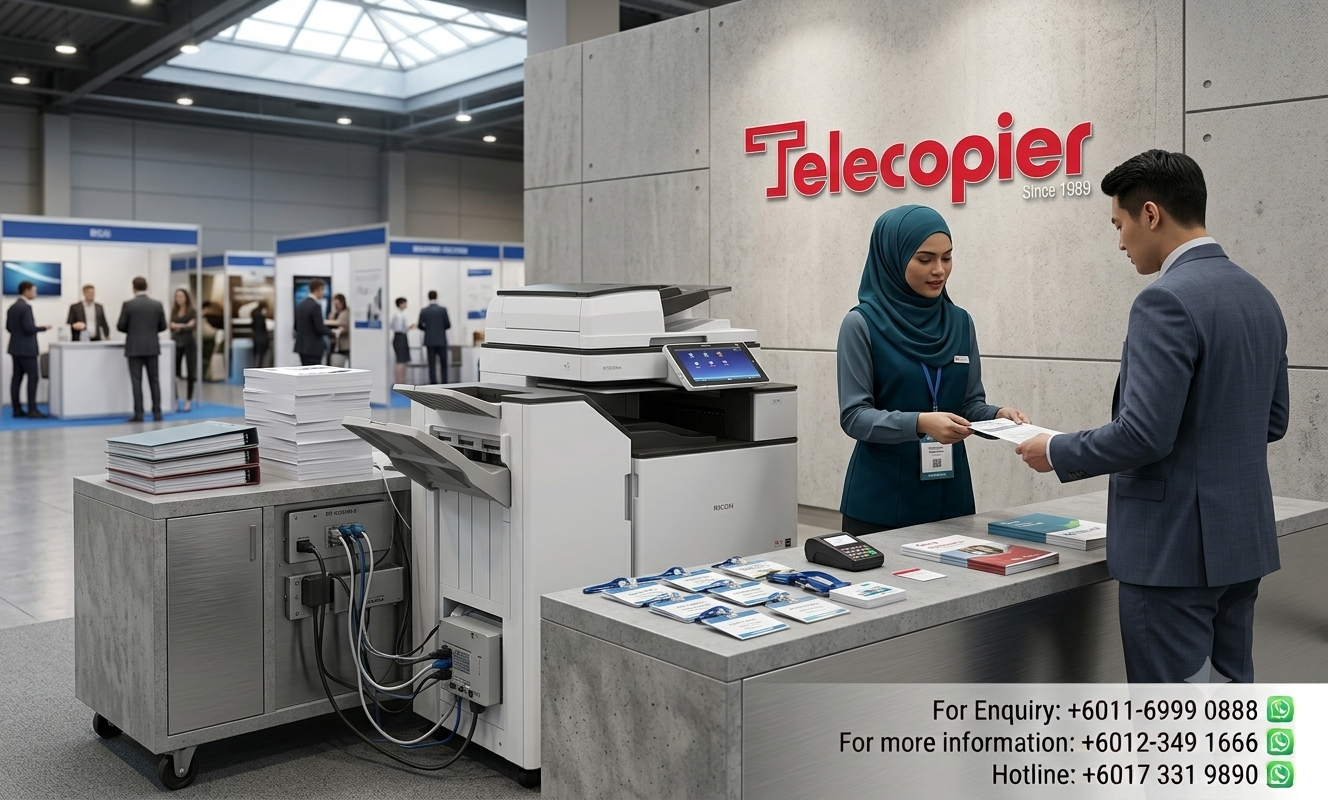


Short-Term Ricoh Copier Rental for Conventions and Corporate Events at MITEC & KLCC
Short term Ricoh copier rental services provide event organizers with a practical and cost-effective solution for temporary printing requirements. Large conventions, exhibitions, trade shows and corporate events often require reliable access to printing, scanning, and copying equipment without the commitment of long-term ownership.
Venues such as MITEC and KLCC host thousands of visitors, exhibitors and delegates throughout the year, making efficient document handling an essential part of event operations. From registration forms and presentation materials to event schedules and administrative documents, printing needs can increase significantly during major events.
In this article, we explore how short term Ricoh copier rental solutions help organizers maintain productivity, reduce logistical challenges and ensure smooth event operations from start to finish.
Fast Deployment, High Volume, and Zero Failure Tolerance
The operational demands of the Meetings, Conferences, and Exhibitions (MICE) sector leave absolutely zero margin for equipment errors of performance delays. During a busy three-day trade show or an elite corporate summit, printing demands often hit sudden, massive peaks that can overwhelm standard desktop printing equipment. A commercial-grade digital Ricoh multi-function copier provides the high-speed engine capabilities, robust data-processing RAM, and extensive multi-tray paper capacities required to process thousands of color or monochrome pages continuously without data latency or mechanical overheating.
Furthermore, short-term event environments require versatile, flexible network integration. Modern Ricoh copier fleets can be configured on-site to build standalone, encrypted wireless print environments or integrate smoothly into complex temporary local area networks (LANs). This allows your organizing committee, international delegates, and authorized media teams to scan high-resolution documents safely directly to secure email networks or print confidential event briefs straight from mobile devices or laptops via secure wireless access protocols.

Managing Mid-Event Content Adjustments and High-Speed Media Kits
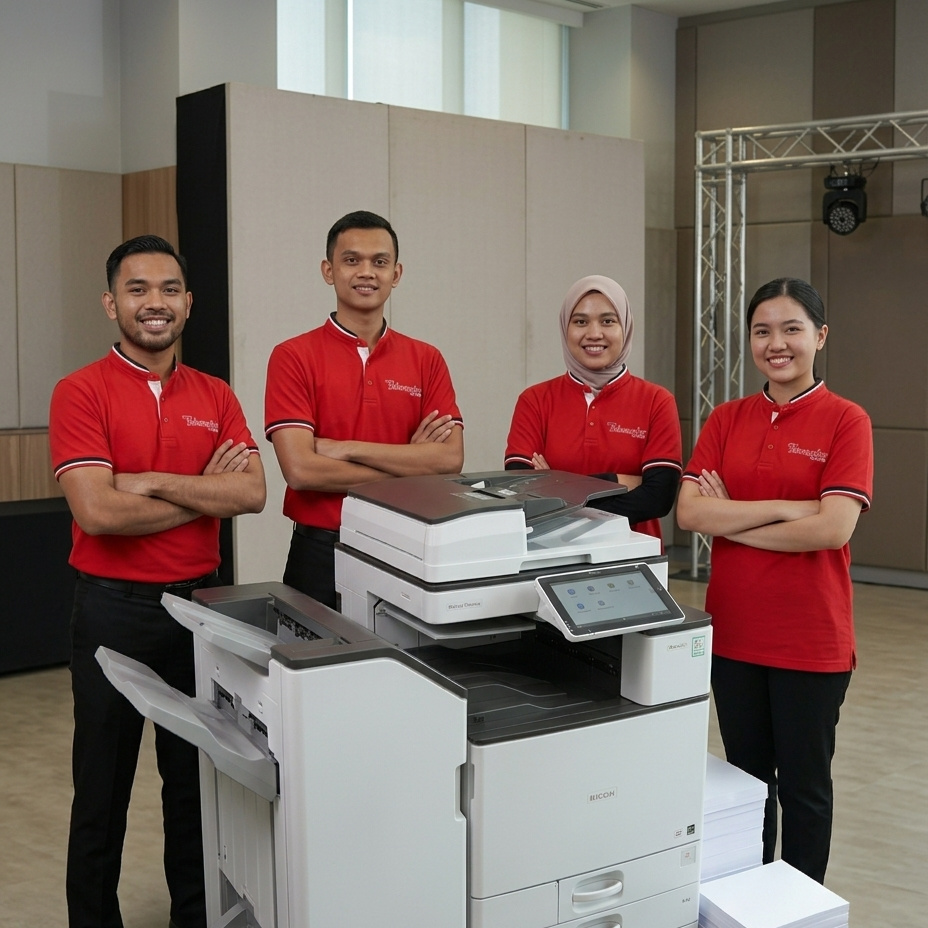
One of the most unpredictable variables in live event management is the constant, real-time modification of presentation contents. Keynote speakers often alter slide decks minutes before stepping onto the stage, VIP itineraries shift due to transit changes, and media panels require instant updates to press release as breaking announcement occur. When these situations unfold at KLCC or MITEC, sending a staff member out to find a nearby commercial copy center is wildly inefficient. Having a dedicated Ricoh multi-function setup positioned right inside your secretarial room allows your production team to update, re-collate, and duplicate high-volume media kits at 40 to 50 pages per minute, maintaining total control over event flow.
Additionally, events generate significant administrative paperwork behind the scenes. Exhibitor check-in sheets, vendor loading dock permits, equipment compliance certificates, and short-term staff timesheets all require systematic physical logging and high-speed scanning for cloud backups. A short-term Ricoh lease handles these multi-layered background administration tasks effortlessly. With single-pass duplex document feeders (SPDF) operating at speeds up to 110 scans per minute, long lines of exhibitors waiting for signed documentation can be completely avoided, keeping event operations moving forward smoothly.
Essential Logistics Pillars for Flawless Print Setup
To guarantee zero administrative bottlenecks during your convention lifecycle, ensure your temporary hardware rental partner coordinates seamlessly across these key operational phases:
- Pre-Event Venue Site Audit
- Rapid-Response Logistics Deployment
- On-Site Technical Standby Options
- Hassle-Free Post-Event Breakdown
- Consolidated Paper Stock Provisioning
FAQs (Frequently Asked Questions)
Business Solutions from Telecopier
To improve your office printing system, you can also explore:

