



9 Essential Things Subang Jaya SMEs Should Know Before Renting a Copier
Many SMEs in Subang Jaya rely on efficient printing and document management to support their day-to-day business operations. From handling invoices and quotations to preparing reports and customer documents, having the right office printing equipment can significantly improve productivity and workflow efficiency.
Choosing an SME copier rental Subang Jaya solution allows businesses to access modern printing technology without the large upfront investment required to purchase a copier. Rental solutions also provide greater flexibility, making it easier for growing businesses to scale their printing requirements as operational needs change over time.
However, not all copier rental plans are the same. Selecting a machine that does not match your printing volume, business requirements, or budget can result in unnecessary expenses, maintenance issues, and reduced efficiency. Understanding what to look for before signing a rental agreement is essential for making the right decision.
In this article, we explore nine important things SMEs in Subang Jaya should know before renting a copier, helping businesses avoid costly mistakes and choose a reliable printing solution that supports long-term growth and operational success.
1. The Balance Between Base Rental vs. Excess Click Rates
Copier rental agreements usually consist of two main components. These are a fixed base monthly rental fee and a "per-page click charge."
Your base fee covers a specific allotment of monthly prints. Once your team prints beyond that limit, you incur an excess click rate.
Selecting a package with a page quota that is too high means you are paying for capacity you do not use. Conversely, an overly restrictive quota will lead to excess charges that quietly inflate your monthly bills.
Always check your historical paper usage before picking a tier.

2. Your Office’s Actual Black & White vs. Colour Print Ratio
Vivid colour prints are necessary for creative agency pitches in Subang Jaya. However, standard text-based documentation does not require it.
Because colour clicks cost significantly more than monochrome prints, unmanaged usage can drain your budget.
The smartest solution is choosing a smart copier, like a Ricoh multifunction system, that allows administrators to set customized user access codes.
You can restrict colour printing privileges to specific teams like design or marketing. This keeps accounting and general administration restricted to cost-effective black and white.
3. Scanning Speeds & Digital Cloud Integration Capabilities
Modern office documentation relies heavily on digital storage. A copier shouldn't just print physical paper; it should act as the main gateway to your digital filing ecosystem.
For fast-growing hybrid teams across the Klang Valley, cloud connectivity is crucial.
Check whether the machine utilizes a Single Pass Document Feeder (SPDF). An SPDF scans both sides of a page simultaneously.
This allows your staff to instantly digitize thick folders of contracts or invoices. They can route high-resolution PDFs directly to internal emails or shared cloud platforms like Google Drive, Dropbox, or OneDrive.
4. Real sla response times amid subang jaya traffic
When an office copier encounters a severe paper jam or system error code mid-morning, your business operations stall.
You cannot afford to wait 48 business hours for a technician to travel from outside the area and navigate local traffic gridlock.
Scrutinize the provider's Service Level Agreement (SLA) closely. Ensure they have a dedicated local technical fleet patrolling the Subang Jaya and Klang Valley area daily to guarantee prompt, same-day on-site troubleshooting.
Quick SME Copier Rental Checklist
Ensure your rental package includes these comprehensive features before finalizing your contract:
- 100% Free Toner Refills (Both Black and Colour cartridges)
- RM0 Parts & Maintenance Maintenance Protection
- Complimentary Office Network Integration & IT Setup
- Flexible Hardware Scalability Options Mid-Contract
- Certified Hard Drive Data Erasure Protocol
5. The "Free Toner" Clause vs. Hidden Supply Fees
Many providers promote cheap base rental rates. However, they often make their profit back by charging high retail prices for replacement ink cartridges or delivery fees.
A truly cost-effective rental contract must feature an all-inclusive supply structure.
Under our frameworks, all black and colour toner refills are provided 100% free for life. Your office only needs to supply the printing paper.
6. IT Network Configuration & Ongoing Staff Training
A commercial copier requires professional installation to connect seamlessly with your office network, local Wi-Fi, and employee laptops.
Verify if the vendor charges separate installation fees for setting up print drivers and print-from-mobile protocols.
A reliable service partner includes complete network integration in the initial deployment package. They will also provide basic staff operational training at no extra charge.
7. PDPA Compliance and Hard Drive Data Security
Every document your staff copies, prints, or scans leaves a digital image cached on the photocopier's internal hard disk drive (HDD).
For professional service providers—such as law practices, clinics, and accounting firms—protecting this data falls strictly under the Personal Data Protection Act (PDPA).
Ask your vendor about their security configurations. Premium Ricoh machines feature automated hard drive encryption and data overwrite systems that erase temporary document images immediately after a job finishes.
Always ensure they provide a certified hard drive wipe when the machine is eventually returned or upgraded.
8. Contract Flexibility and Mid-Term Hardware Scalability
An office infrastructure that fits your startup today might not support your operations two years down the road.
If your business expands, opens new departments, or takes on high-volume print projects, your machinery must keep pace.
Avoid rigid contracts that lock you into a single, unchangeable machine tier.
Look for flexible lease options that allow you to adjust your print allowances or upgrade to a higher-capacity Ricoh model mid-contract without structural penalties.
9. Tax Advantages of OPEX vs. CAPEX
Purchasing a commercial copier outright represents a heavy Capital Expenditure (CAPEX). This asset depreciates on your balance sheet over several years, tying up critical cash reserves.
Opting for a copier rental classifies the asset as an Operating Expenditure (OPEX).
In Malaysia, monthly equipment rental invoices are generally 100% tax-deductible as standard business operational costs. This directly reduces your company’s corporate tax burden at the end of the financial year.

Experience Worry-Free Office Printing with Telecopier
Managing your document workflow shouldn't tie up your administrative team or drain your capital.
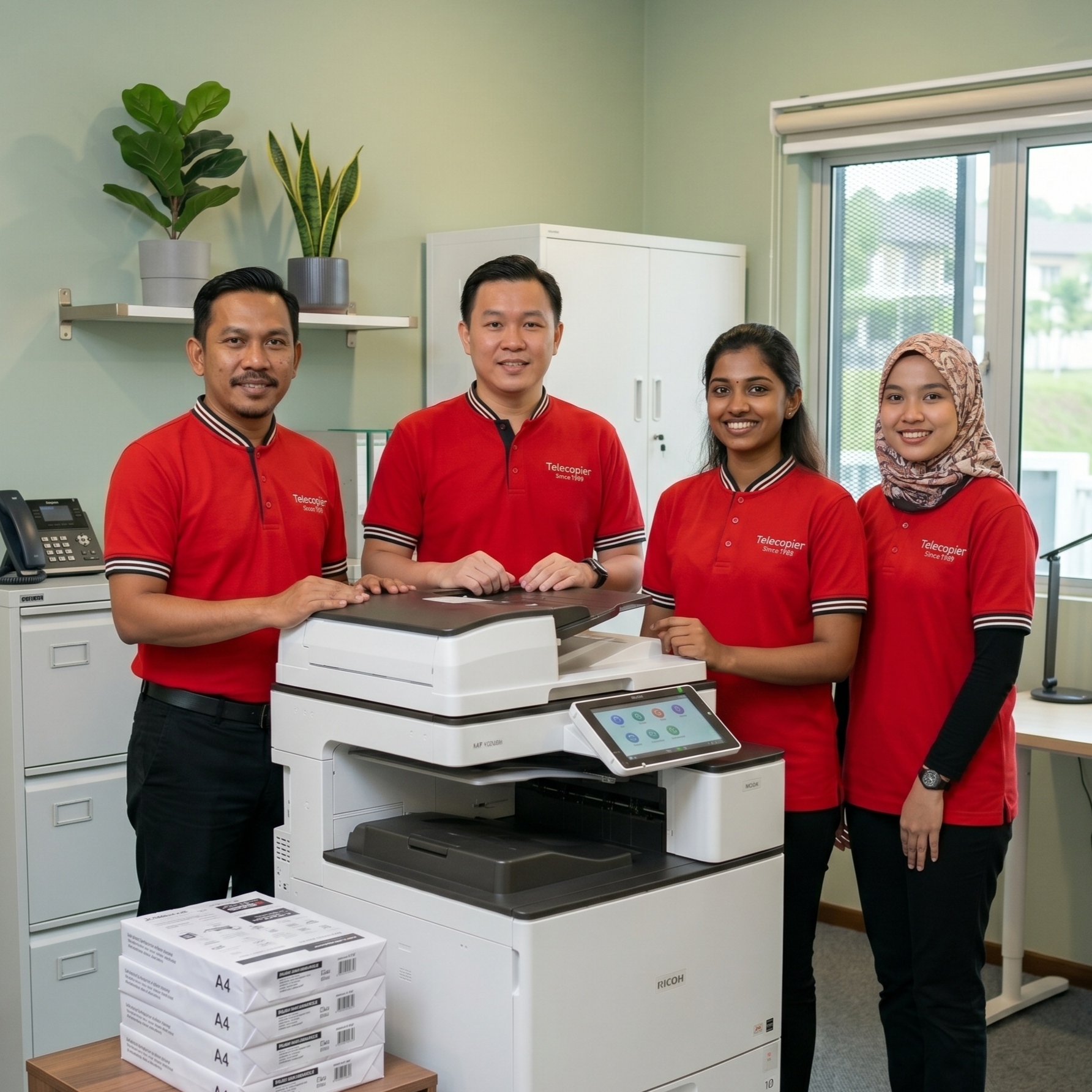
At Telecopier, we have been backing Subang Jaya’s corporate, industrial, and academic communities since 1989. Backed by 37 years of local experience, our managed corporate plans start as low as RM90/month.
This rate is inclusive of 100% free toner refills, comprehensive parts coverage, and proactive IoT smart remote monitoring. Our local service vans patrol all major commercial sectors across the Klang Valley daily, ensuring rapid support and maximum office uptime.
Contact the Telecopier team today. Share your estimated monthly printing volume, and we will recommend the most cost-efficient, low-maintenance Ricoh configuration for your Subang Jaya workspace!
Business Solutions from Telecopier
To improve your office printing system, you can also explore:

