
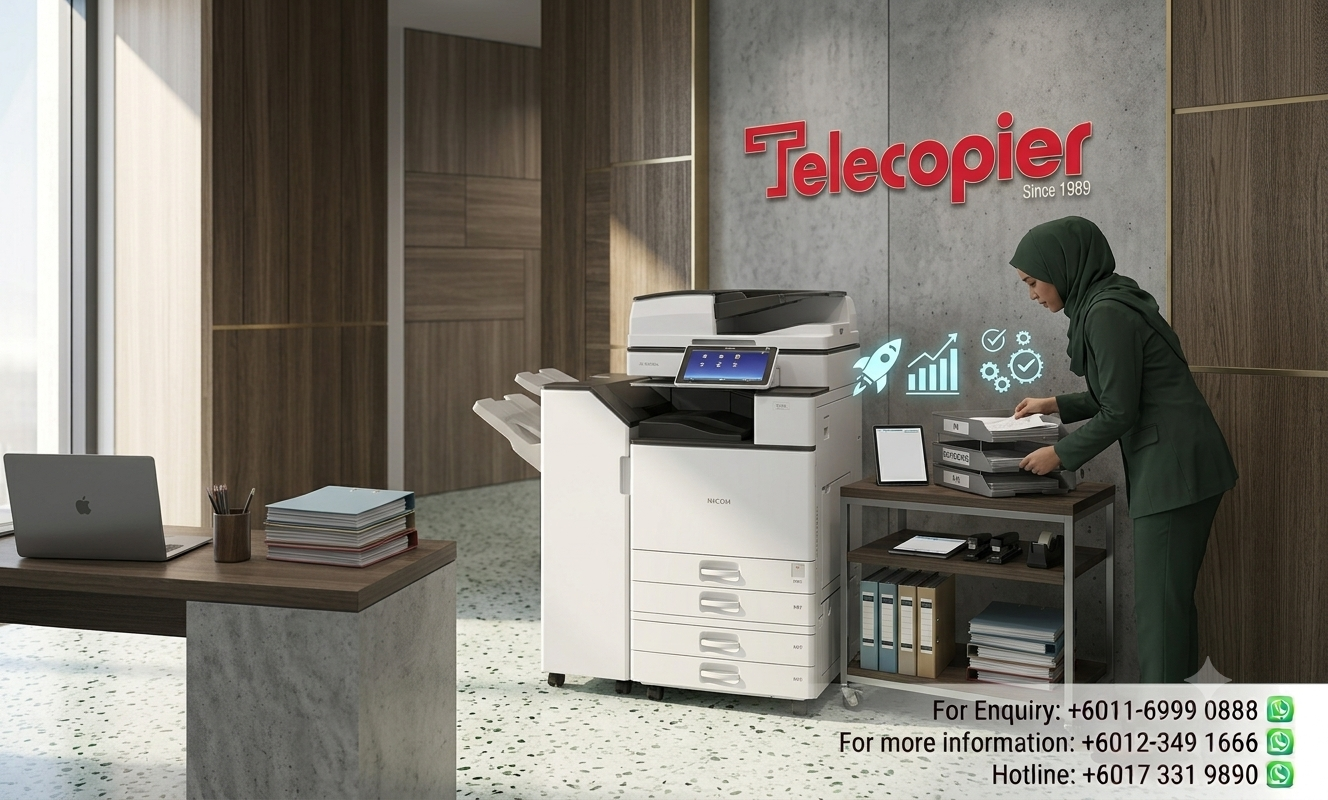

Managing Document Workflows in a Hybrid Office: The Modern Ricoh Cloud Solution
Hybrid workplace print management has become an important consideration as businesses adapt to flexible working environments. With employees working both remotely and in the office, organizations must ensure that printing, scanning and document management processes remain secure, efficient and accessible.
Traditional print environments were designed around centralized office operations. However, modern workplaces require greater flexibility, allowing teams to collaborate across multiple locations while maintaining document security and workflow efficiency. Businesses that implement effective print management strategies are better positioned to support productivity and reduce operational challenges.
In this article, we explore how hybrid workplace print management solutions help organizations streamline document workflows, enhance security and improve efficiency in today's evolving work environment.
Bridging the Gap Between Remote Workers and Central Office Hardware
In a traditional office setup, printing and scanning workflows rely completely on being physically connected to a local corporate network server. For hybrid workers, this localized setup creates clear workflow disruption. For example, an employee working from home might receive an urgent contract that needs scanning straight into the company's central accounting database, but they lack the secure tools to do so at home. This disconnect often leads to improvised workarounds, such as using unverified mobile scanning apps or sending sensitive company files to personal email accounts, which creates significant data compliance risks and circumvents company tracking.
Cloud-enabled Ricoh copiers eliminate this operational gap entirely by integrating directly with popular enterprise cloud platforms like Google Drive, OneDrive, SharePoint, and Dropbox. When an on on-site team member scans a document at the physical machine, the system can route the file directly into an encrypted corporate cloud directory. Remote team members can access the document instantly from home, keeping collaborative projects moving forward without any delay. This cloud connectivity works seamlessly in reverse—remote workers can submit print jobs to a secure cloud queue from home, allowing the documents to be printed safely the next time they authenticate at the office machine.
Overcoming the Security Challenges of Distributed Workforces
When employees are printing from home networks or public Wi-Fi connections, securing corporate data transfer becomes an absolute priority for your IT departments. Sending unencrypted documents over public networks to a physical office printer exposes your business to packet interceptors and digital vulnerabilities. This risk makes standard, unmanaged network printers a major liability in a hybrid workspace. Enterprise-grade cloud print architectures resolve this issue by wrapping every single file transmission in advanced cryptographic layers, ensuring that data moving from a remote laptop to the central office printer remains completely shielded from external cyber threats.
Furthermore, cloud integration enables companies to maintain strict compliance with personal data protection laws even when managing a distributed team. Since all print jobs are routed through a single cloud dashboard, your compliance manager can monitor who is printing what document, regardless of whether the print job was sent from an office desk or a home study. If an unauthorized user attempts to print high-risk client information, the centralized system flags the event and blocks execution. This continuous oversight allows expanding businesses to support a flexible hybrid schedule without losing control over data privacy.
Key Features of Cloud-Connected Print Environments
Transitioning to a cloud-managed Ricoh print ecosystem helps your business support a hybrid workforce through several advanced capabilities:
- Touchless Mobile Operation
- Universal Cloud Print Queues
- Direct Scan-to-Cloud Workflows
- Centralized Remote IT Monitoring
- Encrypted Document Travel Pipelines
Frequently Asked Questions (FAQs)
Business Solutions from Telecopier
To improve your office printing system, you can also explore:
 Hybrid Work Support Secure Document Access Reduced Printing Costs Centralized Management