

A4 vs A4 Copier Leasing: How to Choose the Right Footprint for Your Office Budget
An effective A4 vs A3 copier procurement strategy is essential for businesses looking to optimize office productivity while controlling equipment costs. Selecting the right photocopier involves more than comparing specifications—it requires understanding document workflows, printing volumes and operational requirements.
A4 photocopiers are often suitable for businesses focused on standard office documents and cost-efficient printing, while A3 devices provide greater versatility for larger documents, presentations, marketing materials and specialized business applications. The choice between the two can significantly impact productivity, efficiency and long-term operating costs.
In this guide, we explore the key differences between A4 and A3 photocopiers and provide practical insights to help organizations develop the right A4 vs A3 copier procurement strategy for their business needs.
The Hidden Economics of Consumables and Component Lifespans
To understand the true cost of printing, businesses must look closely at the "Cost-Per-Page" (CPP) ratio rather than just the retail price of the machine. A4 desktop printers generally use smaller toner cartridges with lower page yields. This means a high-volume office will empty these cartridges quickly, leading to frequent reorders and a higher cost per page. In contrast, commercial A3 Ricoh systems utilize high-capacity toner bottles designed to output tens of thousands of pages before needing a replacement, driving down your running costs significantly.
Beyond toner capacity, the internal structural engineering differs significantly between the two footprints. A3 copiers are built with industrial-grade internal components, including durable metal gear trains, heavy-duty fuser rollers, and long-lasting image drums. These systems are engineered to handle continuous, multi-user workloads without overheating or jamming. When a busy team pushes an A4 desktop printer past its recommended monthly duty cycle, the lightweight plastic parts wear out rapidly, leading to frequent maintenance calls and frustrating office downtime.
Workflow Versatility, Finishing Automation, and Document Governance
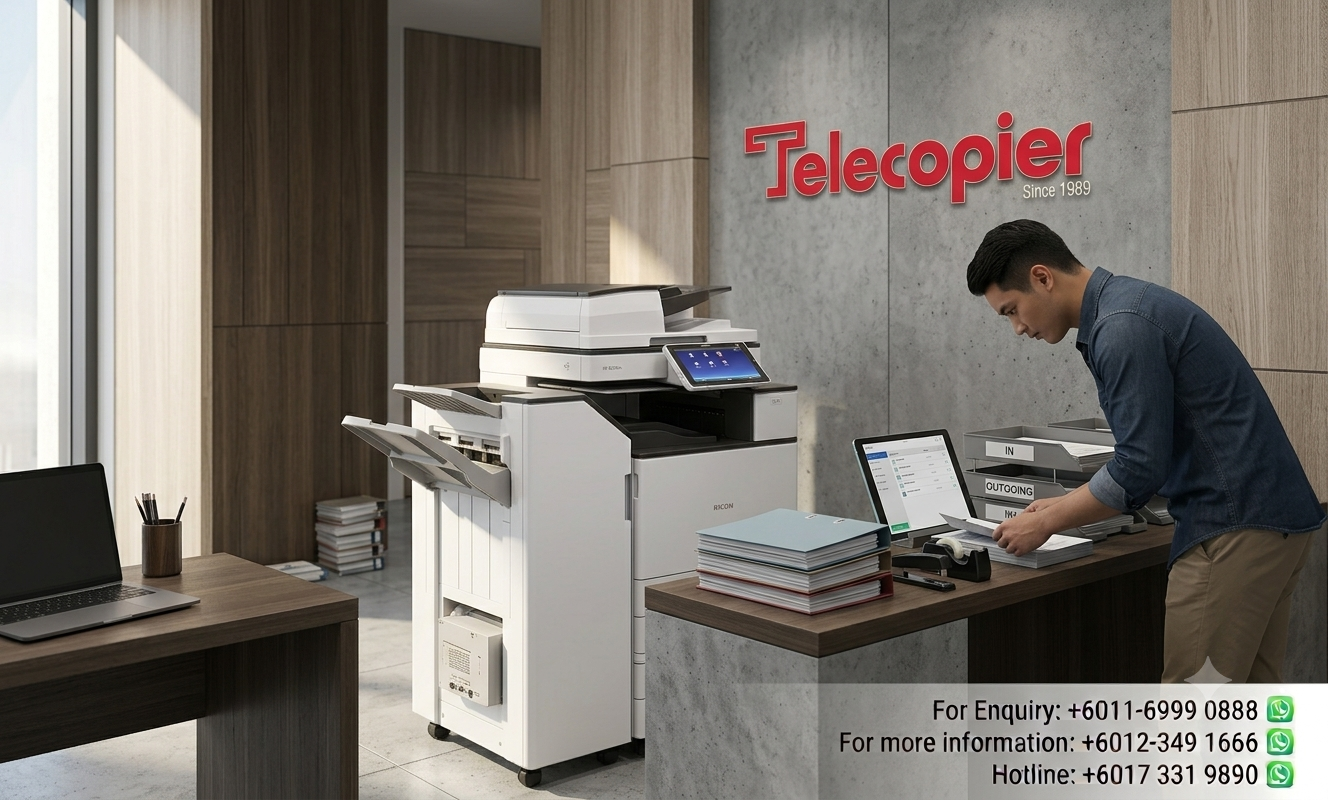
Another critical dimension to evaluate is document finishing and media layout versatility. An A4 device limits your business strictly to standard letter, legal, and basic document dimensions. If your legal team needs to print large contracts, your logistics department requires tracking spreadsheets, or your marketing team needs to compile large layouts, an A4 machine will fall short. An A3 copier provides the physical framework to handle ledger sizes, larger diagrams, and custom heavy media through its bypass trays. Furthermore, A3 machines are designed to integrate with automated finishing units, such as internal staplers, booklet makers, and multi-hole punchers, allowing your team to assemble professional, client-ready proposals instantly at the press of a button.
Finally, choosing an A3 centralized asset changes how your IT department manages document governance and network security. Managing twenty individual A4 desktop printers scattered across multiple floors creates a major challenge for IT security, requiring constant firmware updates and making tracking user quotas nearly impossible. Consolidating your print environment into a single, high-performance A3 centralized copier allows your network administrator to deploy uniform security protocols, monitor department usage trends through a central web dashboard, and implement strict data encryption rules. This structured centralization reduces your vulnerability to data leaks and ensures total control over company resources.
Direct Comparison: A4 Desktop vs. A3 Floor-Standing Copiers
FAQs (Frequently Asked Questions)
Business Solutions from Telecopier
To improve your office printing system, you can also explore:
 Fast Installation Cost Optimization Better Productivity Proven Industry Expertise